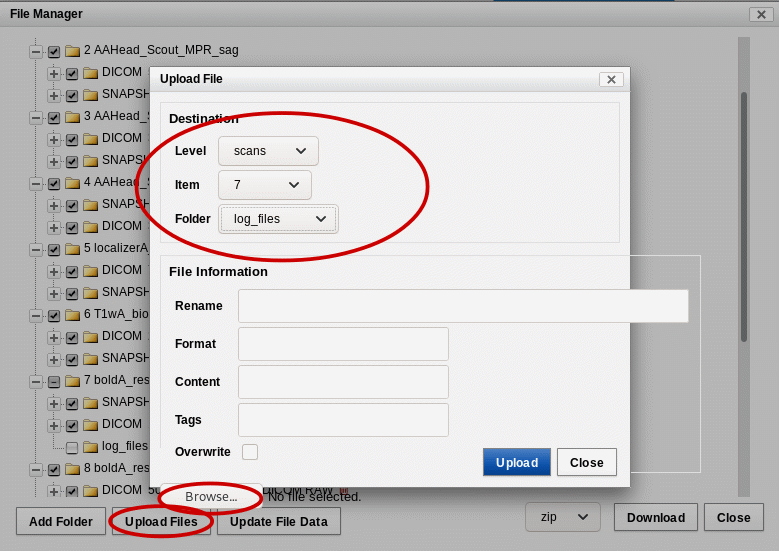
Upload of presentation files and physiological data records
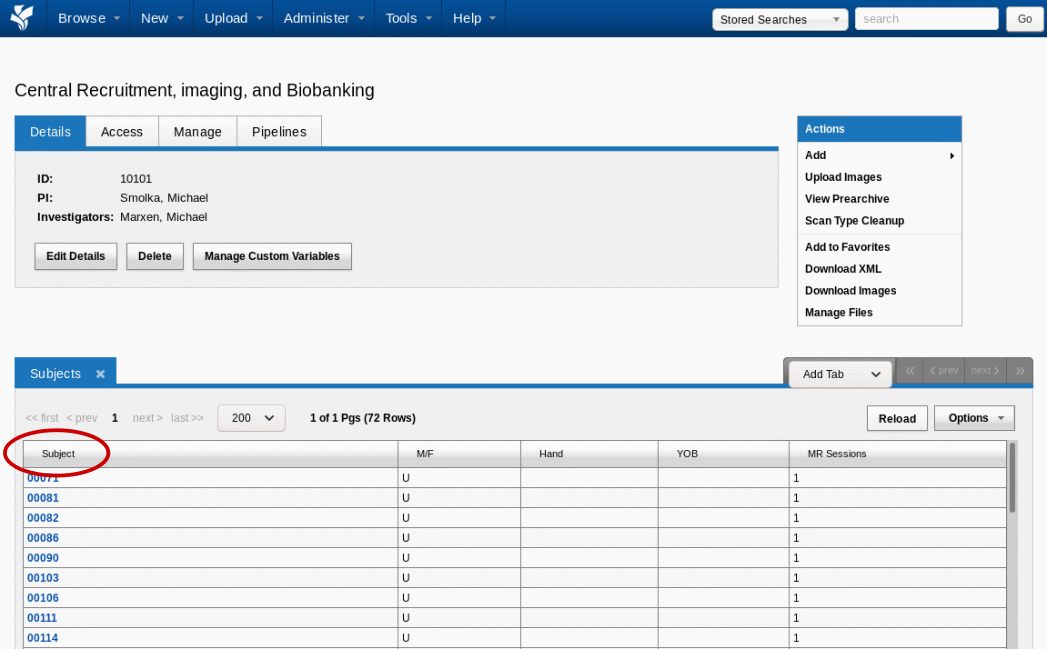
To upload presentation files and physiological data, a subject is first selected in the appropriate study.
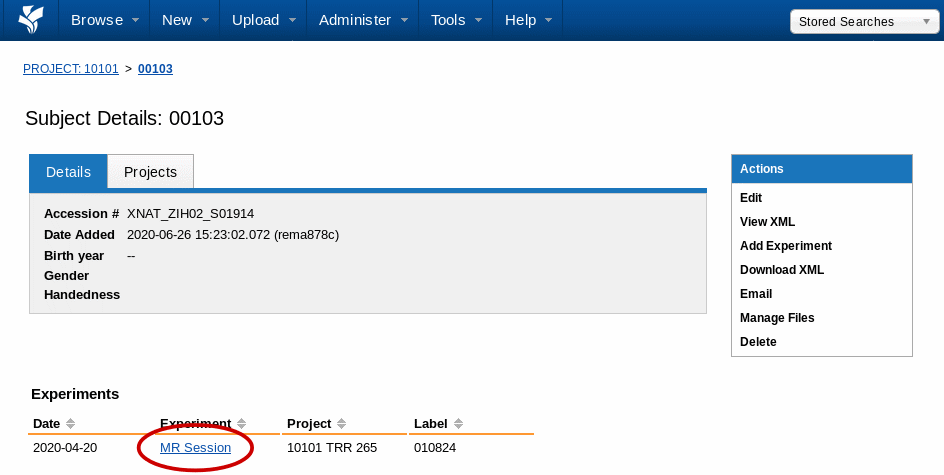
In the next step the MR session of the subject is selected.
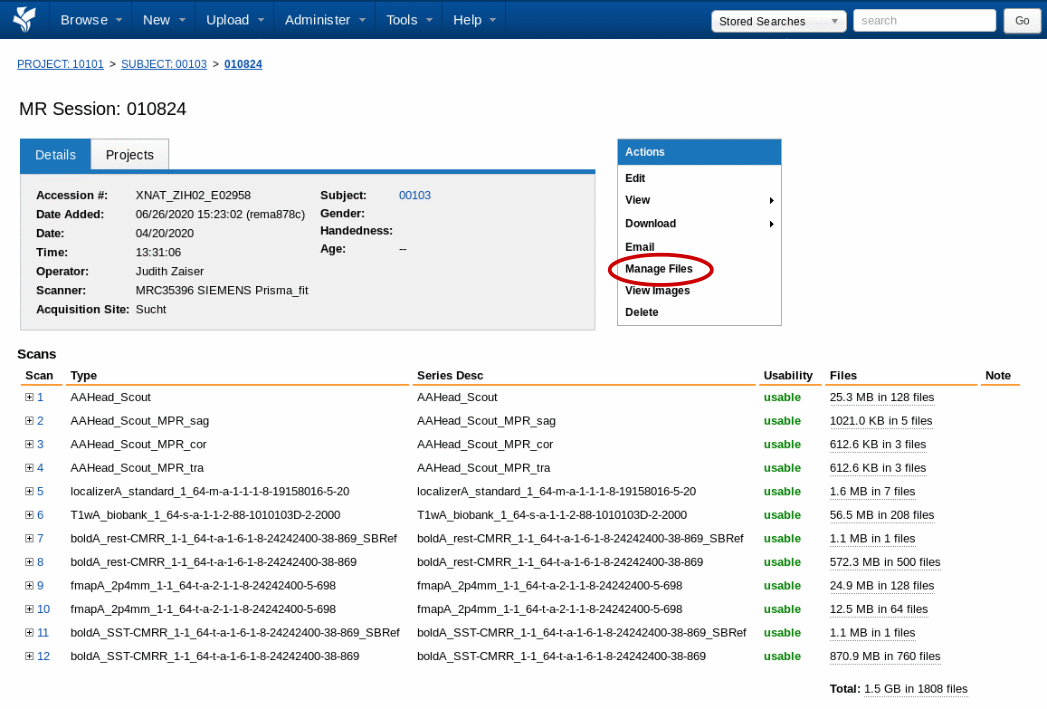
To add data to the MR session, the menu item “Manage Files” must be selected.
All additional data collected during a measurement should be stored in a subfolder called “log_files”.
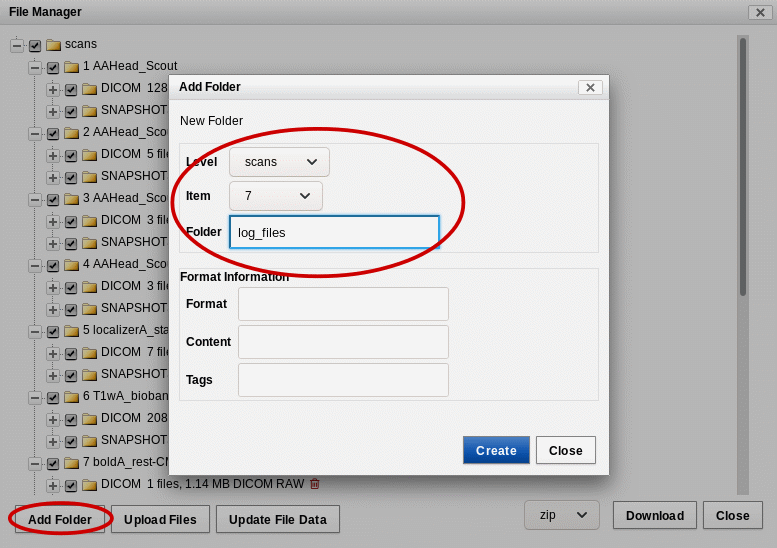
In the folder “log_files” the recordings of the presentation programs and physiological recordings e.g. electrocardiography are uploaded and are thus available for further analysis pipelines. The files must be uploaded one by one. The files are placed in the corresponding “Series Description” of the scan and stored in the subfolder “log_files”. The series is selected by its number in the “Item” field.